Find below some frequently asked questions (FAQs). If you need additional help, don’t hesitate to get in touch with us at editor@druganddeviceworld.com or through our Contact page.
PayPal or Credit/debit card payment not working?
If you are unable to buy the membership using either the PayPal / Debit or Credit Card option. Try using the alternate option.
If you encounter the same issue, it can be due to a few different reasons:
- If you get the “Things don’t appear to be working at the moment” message – It means that PayPal does not support credit/debit card transactions from your country/region (including India). In such a case, please contact us at editor@druganddeviceworld.com or through our Contact Form. We will be happy to facilitate your membership.
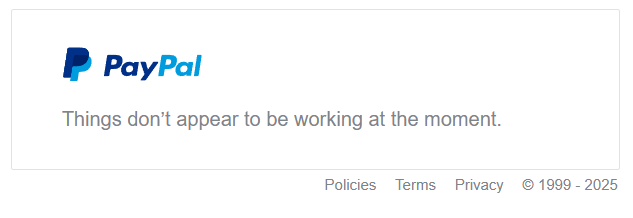
- PayPal not working: Contact us, and we can send you a payment link through email.
How to Login after payment?
After confirming payment, you will get a registration link in the email. Once you fill out the registration form, you will be redirected to the Login page. There you can log in using your credentials.
Note: You need to log in before you can view members-only content.
How to change membership?
If you want to change your membership from monthly to yearly or visa versa. You can do it one of two ways:
Option 1: You can buy the corresponding membership, and cancel the current one (see the cancel membership section below).
Option 2: Contact us and we will be happy to cancel your membership and you can buy the membership type you desire.
How to cancel membership?
We have a No-Refund policy. Payments once made for membership shall not be refunded/returned, regardless of the reason. By paying for the membership, you automatically agree to these Terms and Conditions.
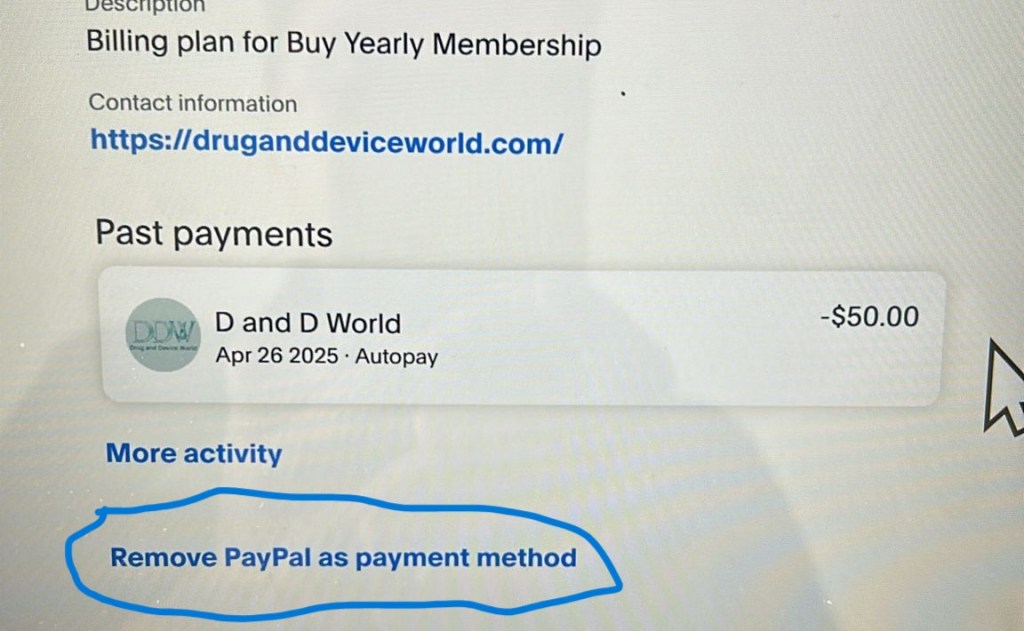
You can cancel automated payments for the next month/year, depending on the membership. You can do this by going to your membership profile and at the bottom, you will see the “Cancel Subscription from PayPal” option.
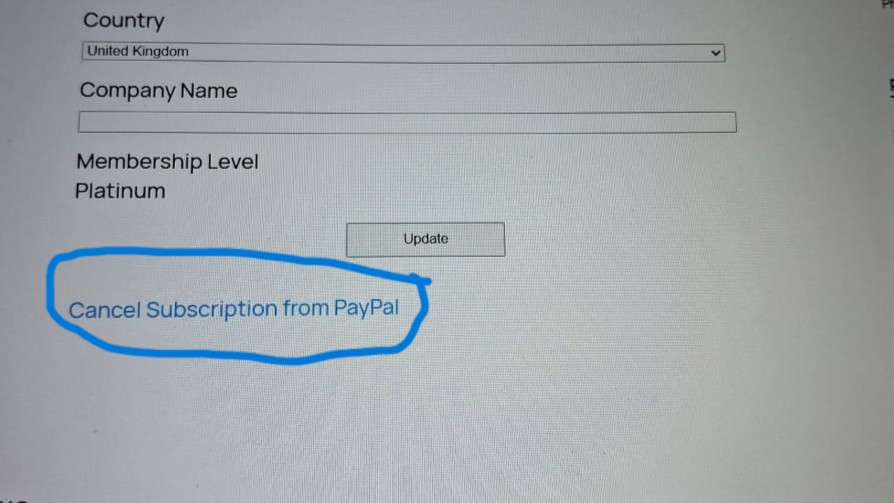
Clicking it will redirect you to your PayPal Account.
Once you log in to your PayPal account, find D and D World under your automated payments.
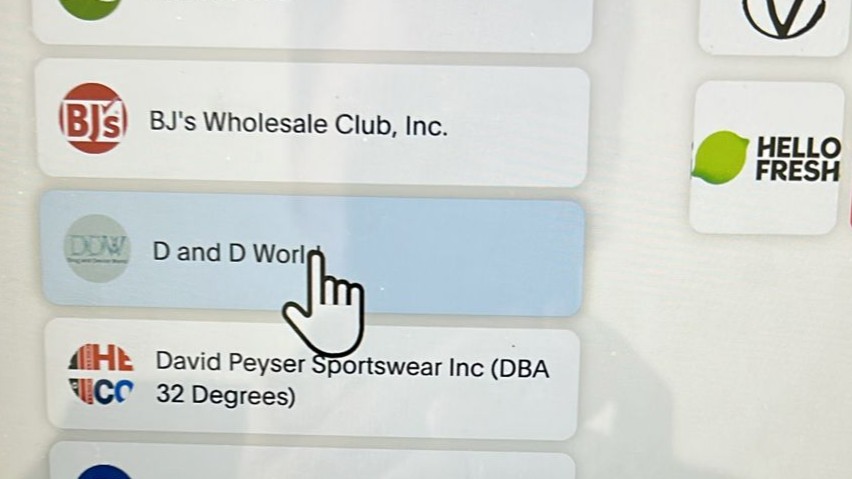
Click on Manage and cancel Removing PayPal as your payment method will cancel further payments to the website for membership.